Hi guys hope you all have a nice weekend.
Today we will be covering on Postbook from Hacker101 CTF.
Overview:
- Name: Postbook
- Difficulty: Easy
- Total Flags: 7
Though there are total of 7 flags, it is quite easy to solve and since I am editing this post while doing the CTF in the morning, I think it is a good warm up for your brain.
Let’s get our brain gearing up 🛠️
Flag 0
The given hint is “The person with username ‘user’ has a very very easy password”.
Looking at the hint, it is quite straight forward by just finding out the common password for the username ‘user’.
You can do a google search to find out a list of common password.
The web page sign in
We know the username is ‘user’, so we just have to guess the password of the username. Examples of common passwords that I have tried “qwerty”, “123456”.
So, I input the username and a common password.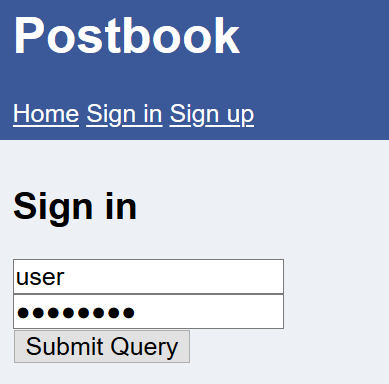
The result is…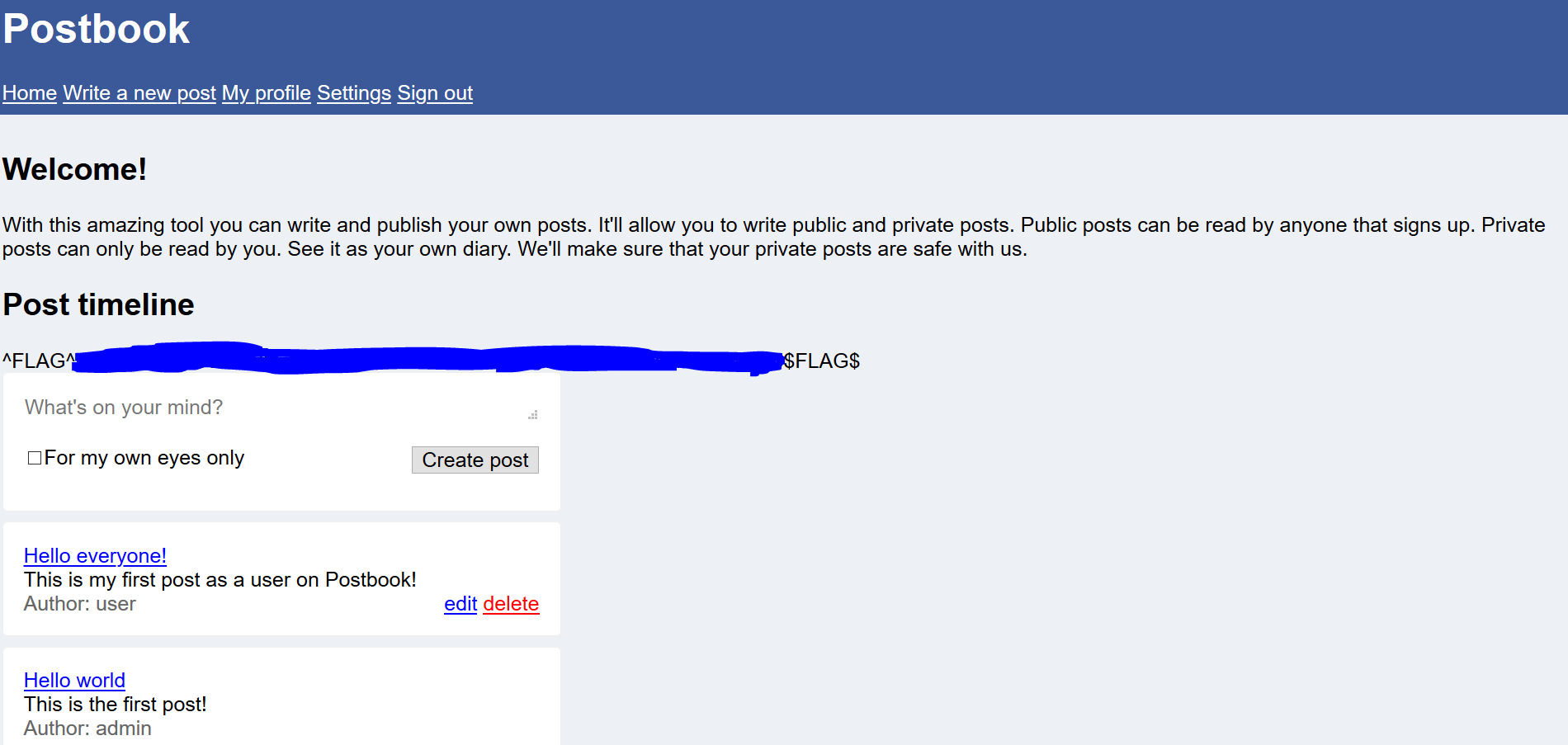
So what is the password??
What can we infer from this flag 0 of Postbook CTF? Is to not use common password as your password for an user account and it can be easily compromised. A strong password can be created by including special characters, uppercase, lowercase and numbers with the length of 12 characters.
Flag 1
The given hint is “Try viewing your post and then see if you can change the ID”.
Following the hint, we can check out the post in the web page.
Here is one of the post in the web page.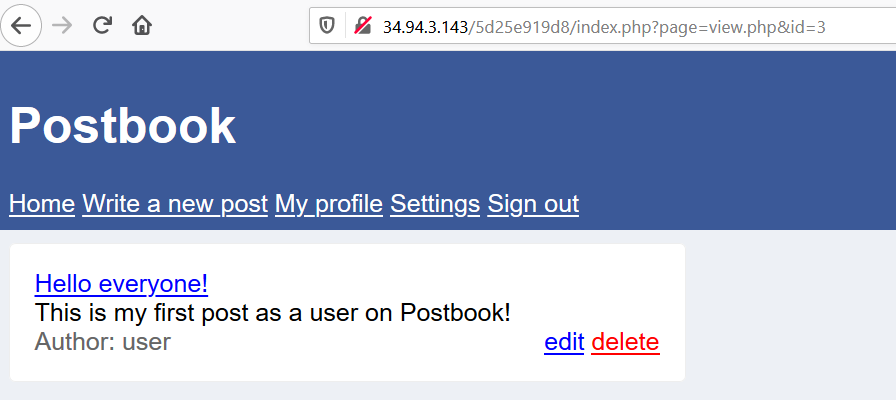
The hint did state that we should try to change the ID of the page. Let’s try to change the value of the parameter ‘id’ in the URL.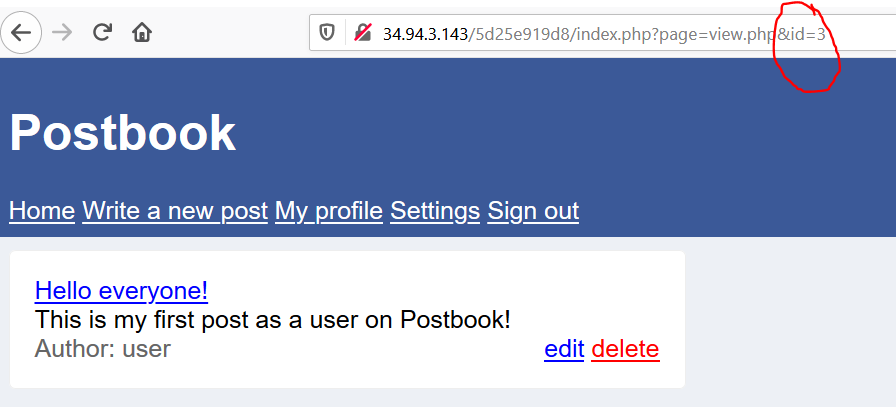
After starting the value from ‘1’, I was able to find the flag . Here is the result…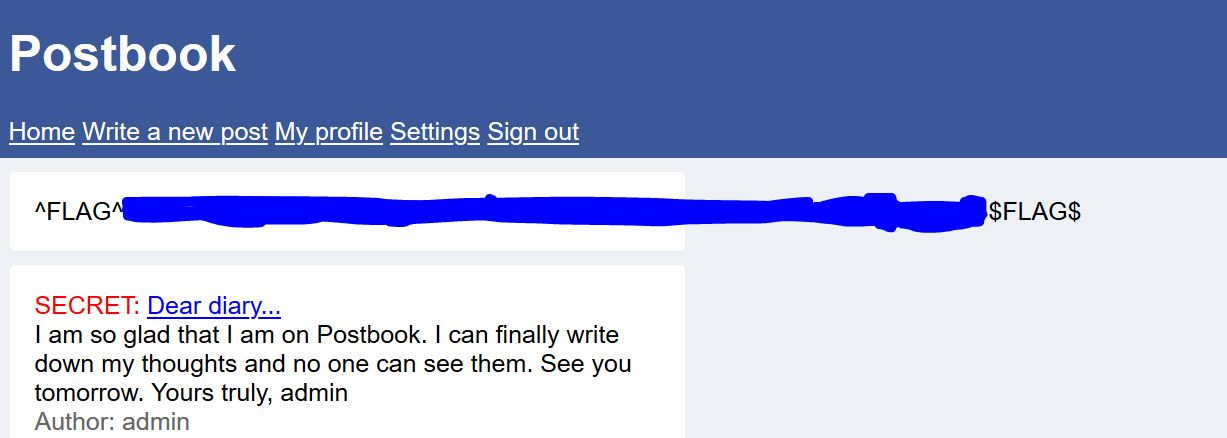
Flag 2
The given hint is “You should definitely use “Inspect Element” on the form when creating a new post”. Thinking about the reason for using “Inspect Element” is to look at the structure of the web page.
Go to ‘Write a new post’ -> right click ‘Inspect Element’ to look at the code structure.
Looking through the code, there is hidden input filed with the name ‘user_id’ and value of ‘2’.
I can infer that every time I created a new post, this hidden value will be submitted to indicate who created, in this case the author is ‘user’. What happen if we changed the hidden value?
So, I changed the value to ‘1’ which is admin to see whether I can create a post impersonating as the author ‘admin’.
Click ‘Create post’ and I got the flag!!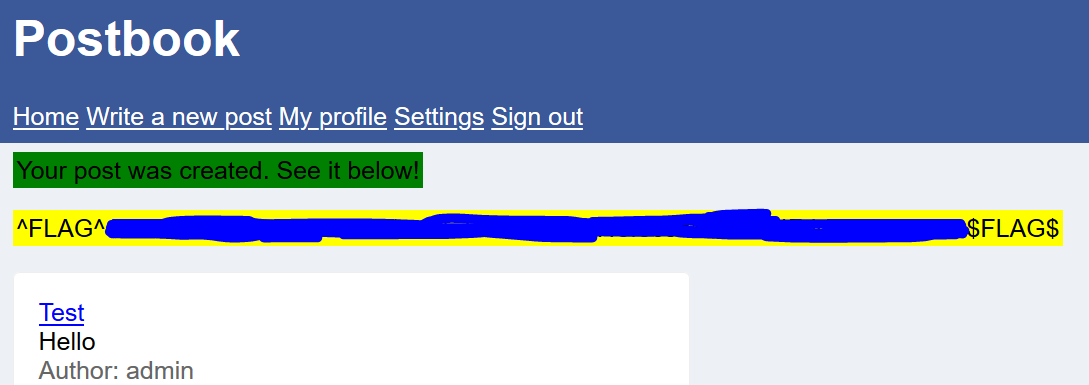
Flag 3
The given hint is “189 * 5”. The value of “189*5” is “945”.
I was thinking where I can enter such a big value in web page that will give me a flag. Looking at the web page, we can all see that the parameter ‘id’ in the URL is a vulnerable target throughout the previous flag as there is no security mechanism to prevent such tampering of the parameter in the URL.
So, I just input the value ‘945’ into the URL.
And I got the flag.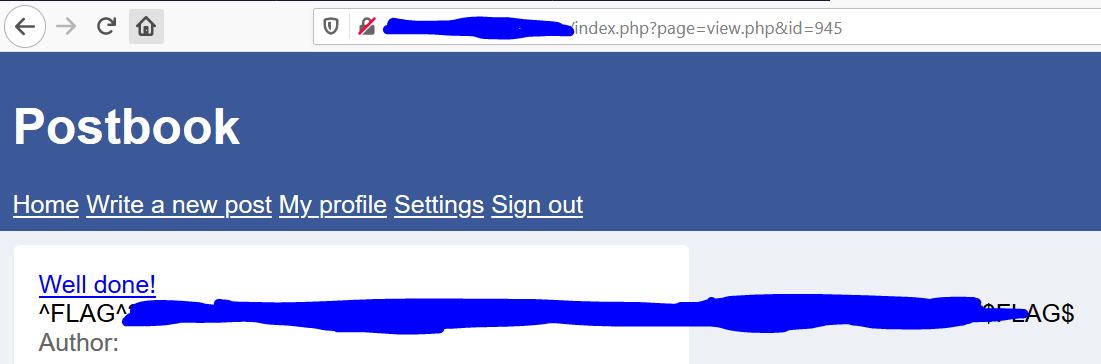
Flag 4
The given hint is “you can edit your own posts, what about someone else’s?”
I went to the user own post and click on ‘edit’. It brings me to this ‘edit.php’ where I can edit the post and save it. Given the hint is that I presume, that I can try to change the id to edit someone else’s post and in this web page.
The URL…
I change the value of id to ‘1’ which is the admin role. 
The page shows…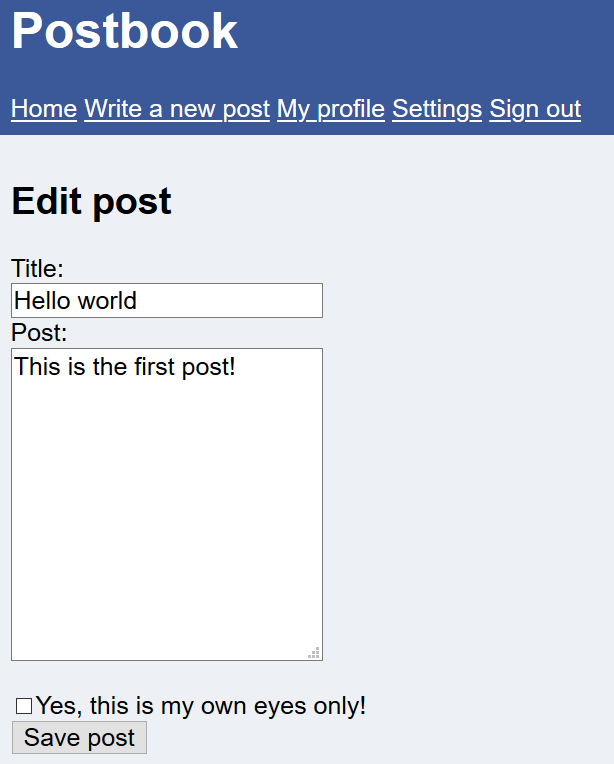
There was no flag, so I just went to edit the post of the admin account and save the post.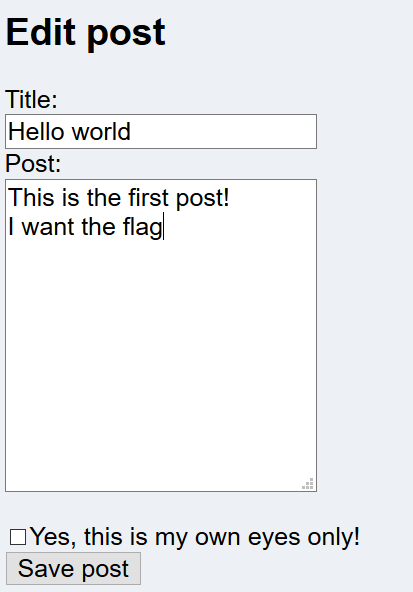
This triggers the flag to appear.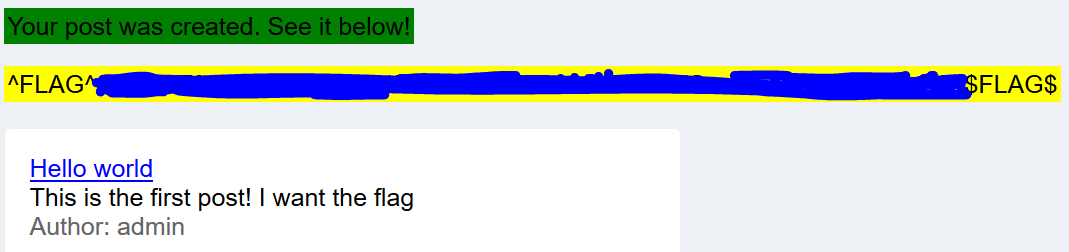
Flag 5
The given hint is “The cookie allows you to stay signed in. Can you figure out how they work so you can sign in to user with ID 1?”
Looking the cookie value, 
it shows a hash value.
I went to search up online for reverse hash tool and I input the cookie value in input box to be reverse engineered. The decrypted value from the hash string is ‘2’ and the cookie generator used MD5 hash algorithm. So I was given the id ‘2’ where I can only edit the post by ‘user’.
I input the value ‘1’ into MD5 Hashing generator and is produce the value of ‘c4ca4238a0b923820dcc509a6f75849b‘.
I took this hash string and input it as the cookie value, reload the page and the flag pop up.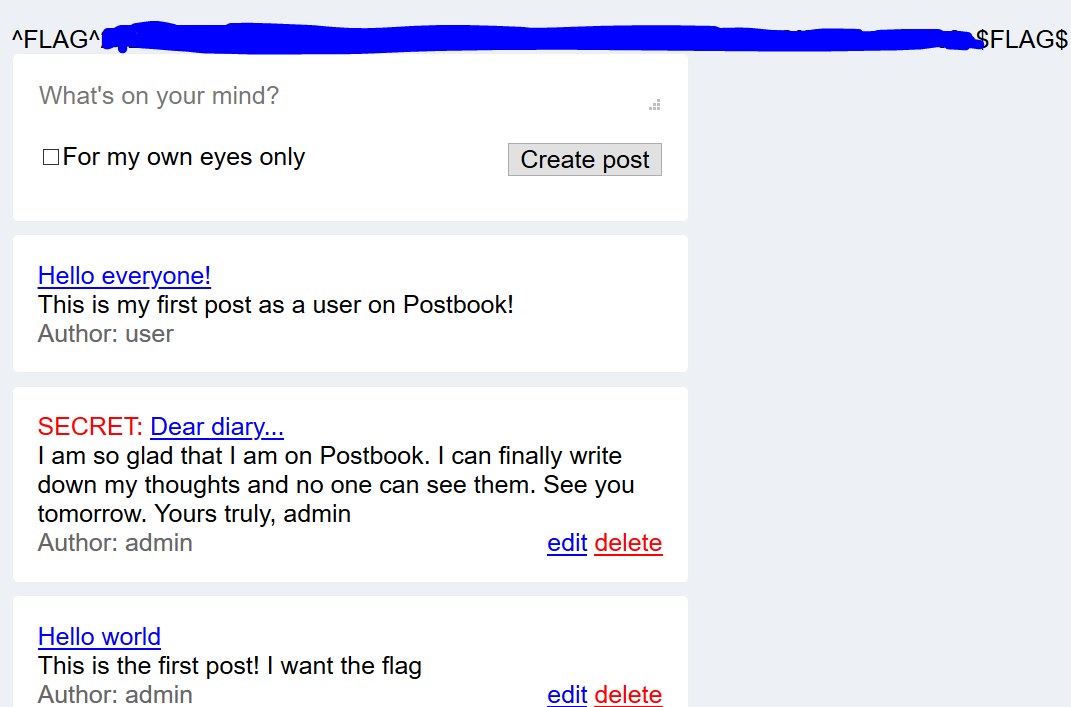
It shows that now I can edit the ‘admin’ post instead of the ‘user’ post.
Flag 6
The given hint is “Deleting a post seems to take an ID that is not a number. Can you figure out what it is?”
Knowing the ‘delete’ button is a refer to the delete page, I viewed the source code of the page and was able to find out the id value of the delete page.
The value ‘eccbc87e4b5ce2fe28308fd9f2a7baf3‘ is 3. So what happen if I try to changed the value of the id to the admin id ‘1’ where its hash value is ‘c4ca4238a0b923820dcc509a6f75849b‘.
In the URL, I replaced the hash value and pressed enter.
The page is loaded and the flag has pop up.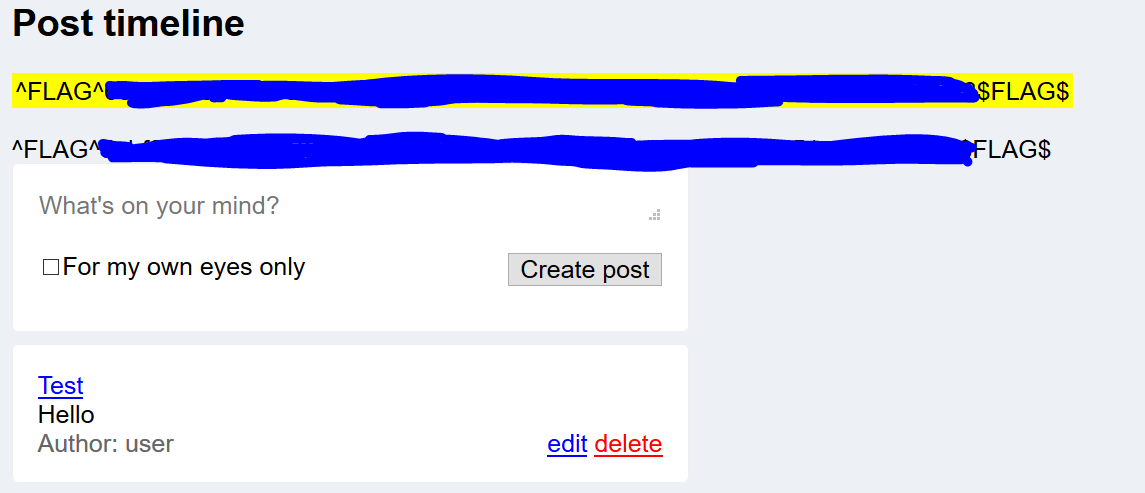
As you can see the yellow highlighted flag is the FLAG 6 and the other flag was actually FLAG 0.
That’s all folks for POSTBOOK CTF 🙂
Author: Derek
 Bs&Derek